
Description
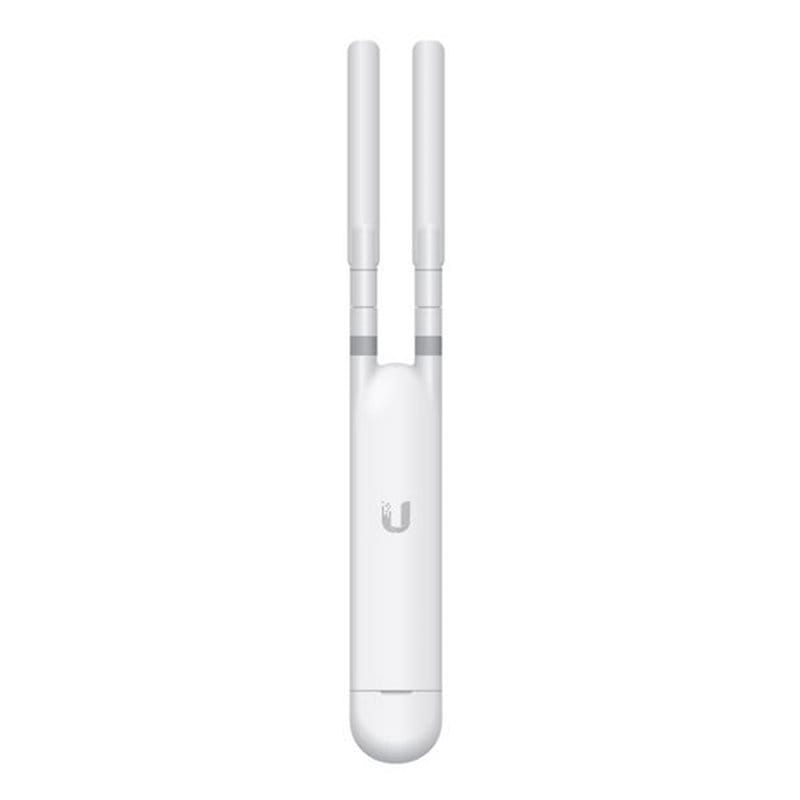
Ubiquiti UniFi Mesh Access Point UAP-AC-M
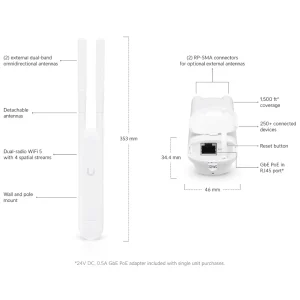
The Ubiquiti UniFi Mesh Access Point UAP-AC-M is a compact, high-performance wireless access point designed for both indoor and outdoor use. It delivers fast and stable dual-band Wi-Fi using 802.11ac technology, making it ideal for offices, homes, hotels, campuses, warehouses, and outdoor areas. It provides wide wireless coverage, reaching up to approximately 183 meters (600 feet) in open outdoor environments, ensuring strong signal strength over large areas. With mesh capability, it easily extends Wi-Fi coverage without running extra network cables. The UAP-AC-M works seamlessly with the UniFi Controller, allowing centralized management, easy monitoring, and smooth roaming for connected devices. Its weather-resistant design ensures reliable performance even in harsh environments.
Key Features
Dual-band Wi-Fi (2.4 GHz and 5 GHz)
802.11ac Wave 1 technology
Mesh networking for extended coverage
Indoor and outdoor support
Weather-resistant design
Powered by PoE (Power over Ethernet)
Centralized management with UniFi Controller
Supports multiple SSIDs and VLANs
Specifications
Model: UAP-AC-M
Wi-Fi Standard: 802.11a/b/g/n/ac
Frequency Bands: 2.4 GHz & 5 GHz
Maximum Data Rate: Up to 1167 Mbps
Ethernet Port: 1 × Gigabit Ethernet
Power Method: 24V Passive PoE or 802.3af PoE (with adapter)
Mounting: Wall, pole, or ceiling
Environment: Indoor / Outdoor
Security: WPA2-AES, VLAN support
How to Configure
Install the UniFi Network Controller on a PC, server, or UniFi Cloud device.
Connect the UAP-AC-M to your network using a PoE injector or PoE switch.
Open the UniFi Controller and adopt the access point.
Create your Wi-Fi network name (SSID) and set a secure password.
Adjust basic settings like channel, power level, and mesh options if needed.
Save settings and start using your Wi-Fi network.
Reviews
There are no reviews yet.